


Jumping into War Thunder Mobile without a plan is basically asking to get deleted by a Tiger at point-blank range. I’ve sunk serious time into this grind, and let’s be real – the early game is a mess of currencies, tech trees, and BR spreads. It’s a lot to take in. I’ve pulled everything you actually need into this guide so you can skip the endless forum crawls and get straight to the action. The game runs on the same Dagor engine as the PC version, which means sharp visuals and a level of depth most mobile titles can’t touch. It’s free on Android and iOS (and plays great on PC via emulators). You’ve got seven nations to pick from – USA, USSR, Germany, Britain, Japan, Italy, and France – with constant updates dropping heavy hitters like the Abrams and MiG-29.
System Requirements and Installation
Before you even spawn in, check your hardware. Nothing ruins a match like lag spikes because your device is barely hitting the minimums.
Android Requirements
| Specification | Minimum |
|---|---|
| Operating System | Android 10 (64-bit) |
| RAM | 4GB or more |
| Graphics | Adreno 610 / 2-core Mali-G52 (Vulkan support required) |
| Processor | Snapdragon 665 / Mediatek Helio P65 or equivalent |
iOS Requirements
| Specification | Requirement |
|---|---|
| Device | iPhone 6S or newer |
| iOS Version | 15 or higher |
Worth saying: always update your drivers and OS before your first launch. Old software is a one-way ticket to choppy frames and mid-session crashes that rob you of your rewards. Also, if you’re cranking the graphics to max, get some cooling. Phones cook during long fights, and thermal throttling will tank your frame rate exactly when you’re trying to aim.
Playing on PC via Emulator
BlueStacks and LDPlayer 9 both handle the game well. BlueStacks is the go-to for most, but LDPlayer is great if you’re picky about key mapping. Honestly, just use whichever feels smoother for you.
PC minimums:
- Windows 7 or higher
- Any Intel or AMD processor
- 2GB RAM minimum (4GB recommended)
- 5GB free disk space
- Admin rights for installation
BlueStacks setup:
- Grab BlueStacks from the official site.
- Log into your Google Play account.
- Launch War Thunder Mobile.
- Tweak your keyboard mapping.
- Dial in your mouse sensitivity.
The bigger screen is a literal game-changer. You’ll spot flankers way faster and actually be able to read the minimap without squinting.
Core Gameplay: Vehicles and Game Modes
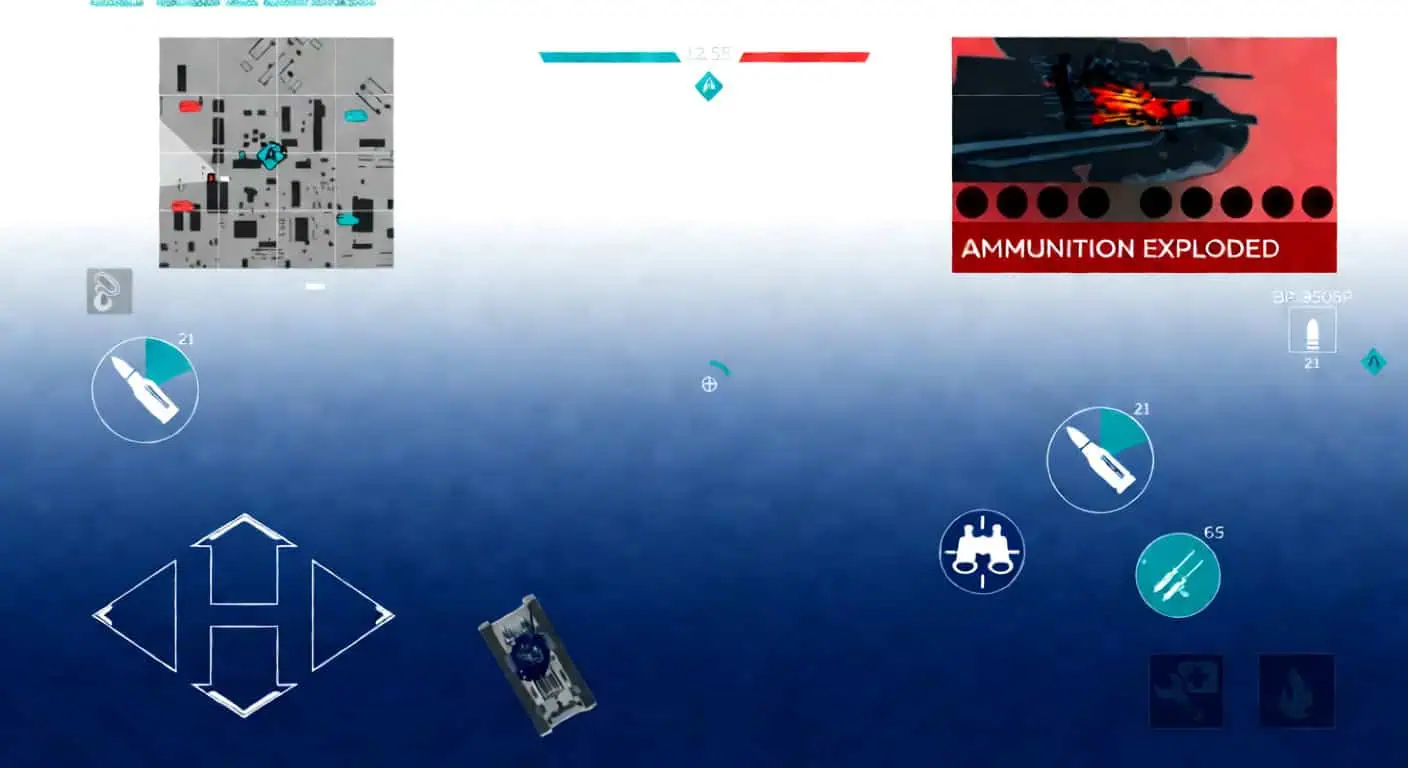
There are three main categories here: tanks for the dirt, ships for the water, and aircraft for the sky. Each one requires a different mindset.
- Tanks This is the bread and butter. Most matches are about grabbing those lettered diamond checkpoints. Remember, your turret moves separately from your hull, so positioning is everything. Knowing weak spots is what separates the pros from the guys just feeding the enemy team.
- Ships You’ll be managing different weapon groups and tracking hull damage. If your deck takes a hit, your fire rate drops; if the hull gets hammered, you lose speed. If you don’t watch your status, you’ll be at the bottom of the ocean before you know it.
- Aircraft This has the highest skill ceiling. Hang out at mid-altitude to keep your sightlines clear. If you bring the wrong plane for the job, you’re just dead weight. We’ll get into fighters vs. bombers in a bit.
Game Modes: Where to Start
| Feature / Mode | Arcade (AB) | Realistic (RB) | Simulator (SB) |
|---|---|---|---|
| Aim/Penetration Indicator | Yes | No | No |
| Rangefinder | Always enabled | Selected tanks only | – |
| 3D Markers | Enemy & Ally | Ally only | None |
| Scoreboard Visibility | Both teams | Team only | Limited |
| Engine Power | Enhanced | Realistic specs | Realistic specs |
| Player-Owned Aircraft | No | Yes | Limited |
| Spawn System | 3 spawns | Respawn Points earned | 1 – 2 spawns |
| Friendly Fire | Off | Off | On |
| Camera / Sights | More assists | Less assists | First-person only |
Start in Arcade. Period. You get penetration indicators that tell you if your shell will actually go through. The boosted engines are more forgiving if you mess up your positioning, and the aim lines help you learn shell arcs. Realistic drops all the crutches – no pen feedback, realistic power, and markers for allies only. Simulator is pure pain with team fire and restricted cameras. They pay better, but they’ll destroy a newbie. Learn to walk before you try to sprint.
Choosing Your Nation and Tech Trees
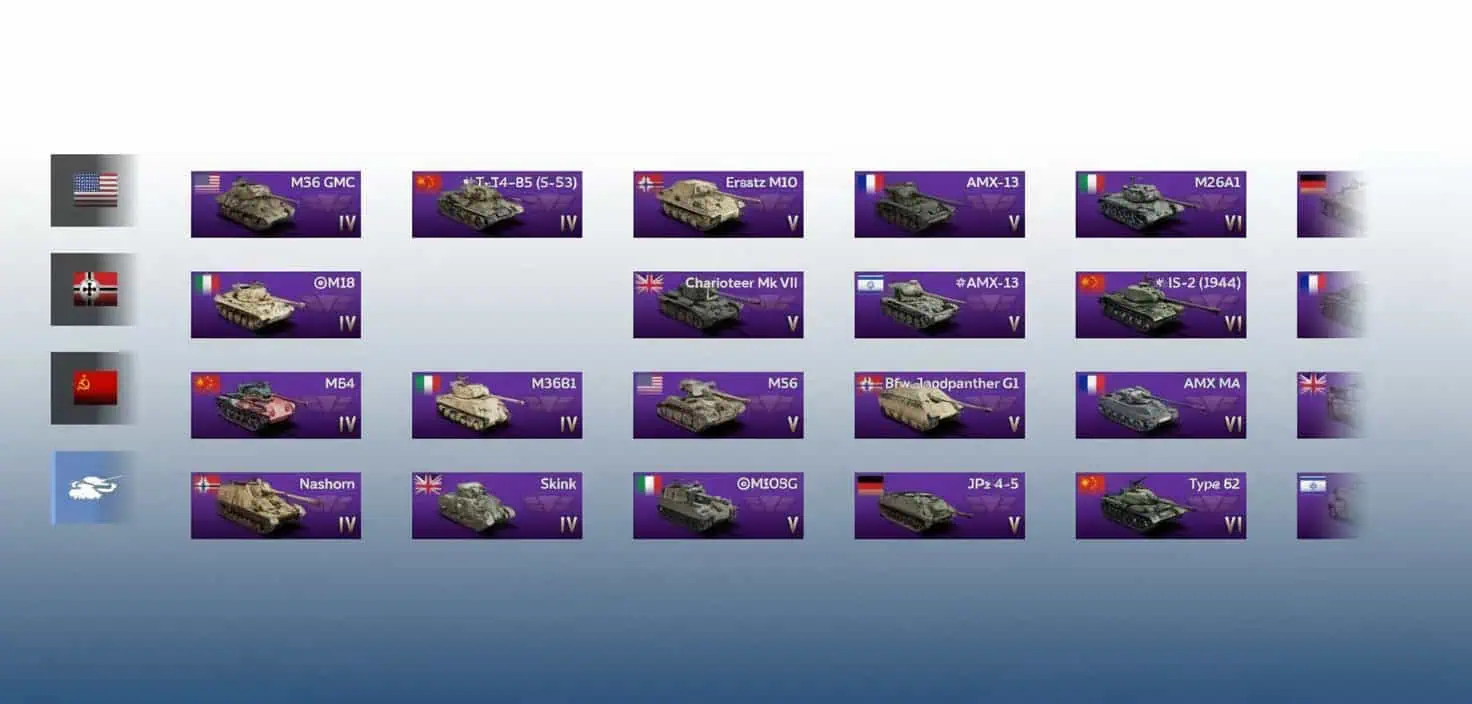
Seven nations, seven different vibes. Here’s the breakdown:
- USA The safest bet for beginners. They’ve got a good mix of speed and armor, fast guns, and stabilizers that let you shoot accurately while on the move. The mid-tier can feel a bit sluggish, but the Cold War heavies are worth the wait.
- Germany Fast out of the gate but the armor is iffy, so you have to learn to angle. Ranks II and III are where they shine – Panthers and Tigers absolutely dominate. Later on, you’re swapping between the “brick” Maus and the “dart” Leopards. High skill, high reward.
- USSR Early armor isn’t great, but the guns punch hard and reload fast. You’ll learn to love sloped armor here. Just watch those Rank II-III turrets – they’re weak points. Their MBTs rule the high tiers.
- Britain It’s all about speed and precision. Some of these tanks reverse like slugs, which can get you killed in a brawl. Since they use solid shot (no explosive filler), you need to be a surgeon with your aim. Centurions and Challengers are the highlights here.
- Japan Paper-thin armor but the shells have massive explosive filler. If you land a hit, it’s usually over for the other guy. They have great gun depression, which is perfect for “hull-down” tactics where you only show your turret.
- Italy Glass cannons. You get great firepower and mobility but almost zero armor. Their wheeled vehicles and Semoventes are unique, and the high-tier OTOMATIC is a nightmare for pilots.
- France They start with thick armor but weak guns. That flips later on – Rank III is where the guns wake up, and by Rank IV, the AMX vehicles are hitting like trucks.
Pro Tip: Stick to USA, Germany, or USSR first. They’re more forgiving and teach you the basics without making you rage-quit. Save the others for when you actually know the maps.
Tech Tree Basics: It’s a linear path. You have to own the previous vehicle to unlock the next. Focus on one nation. Trying to grind four trees at once is a great way to go broke on Silver Lions. Depth beats breadth every time.
First Match Prep and Tutorials

Do not skip the tutorials. “Tank Control Basis” and “Tank Gunnery” give you free currency and teach you the mechanics you’ll use in every single game. Just do them.
Before you hit ‘Battle’:
- Set your graphics as high as your device can handle smoothly.
- Kill the music/UI volume and crank up the engine/track sounds.
- Fix your button layout – the defaults are usually awkward.
- Hit a training match to check your sensitivity.
In the match:
- Check your shell selection in the middle of the spawn screen.
- Watch the minimap. Seriously.
- Don’t carry a full rack of ammo. More shells = a bigger explosion when you get hit. Bring 20% or less. It’s plenty for one life and keeps you from turning into a firework.
Progression and Research
You earn Research Points (RP) and Silver Lions (SL) every game. RP goes toward the vehicle you’re currently researching, while SL pays for everything else – buying tanks, upgrades, and crew training.
Spading: This means unlocking every modification for a vehicle. It gives you a nice RP boost and speeds up your overall research. It’s usually better to “spade” a tank before moving on rather than playing a half-baked build.
Battle Rating (BR): This is what decides who you fight. Your highest BR vehicle sets the bar for the whole lineup (usually a ±1.0 spread).
- Uptier: You’re the small fish in a big pond (e.g., your 2.3 tank in a 3.3 match).
- Downtier: You’re the boss (e.g., your 2.3 tank in a 1.3 match).
Lineup Rule: Don’t bring one high-BR tank and a bunch of low-tier backups. You’ll just get dragged into matches where your backups are useless. Keep your BRs tight.
Currency and Smart Spending
Golden Eagles – The premium stuff. You can actually grind this for free:
- Daily logins and ads (10 Eagles each).
- Trophy chests and event missions.
- Premium vehicle battles – This is the gold mine.
Daily Gold Caps:
Tier 1 gets you 20 Eagles; it goes up by 10 for every tier. Tier 9+ is capped at 100. A full Tier 9 premium lineup can net you 12,000 Eagles a month. That’s huge for a free-to-play player.
Silver Lions – Your main cash. Don’t buy these directly from the store. It’s a total rip-off. Instead, spend your Eagles on boosters. 240 Eagles gets you 10 boosters, which can easily turn into 300,000+ Silver Lions if you play halfway decent.
Premium Account Time: This is the best investment. It doubles your SL and RP. Stack this with boosters and premium tanks to rocket through the tiers.
Upgrading and Crews
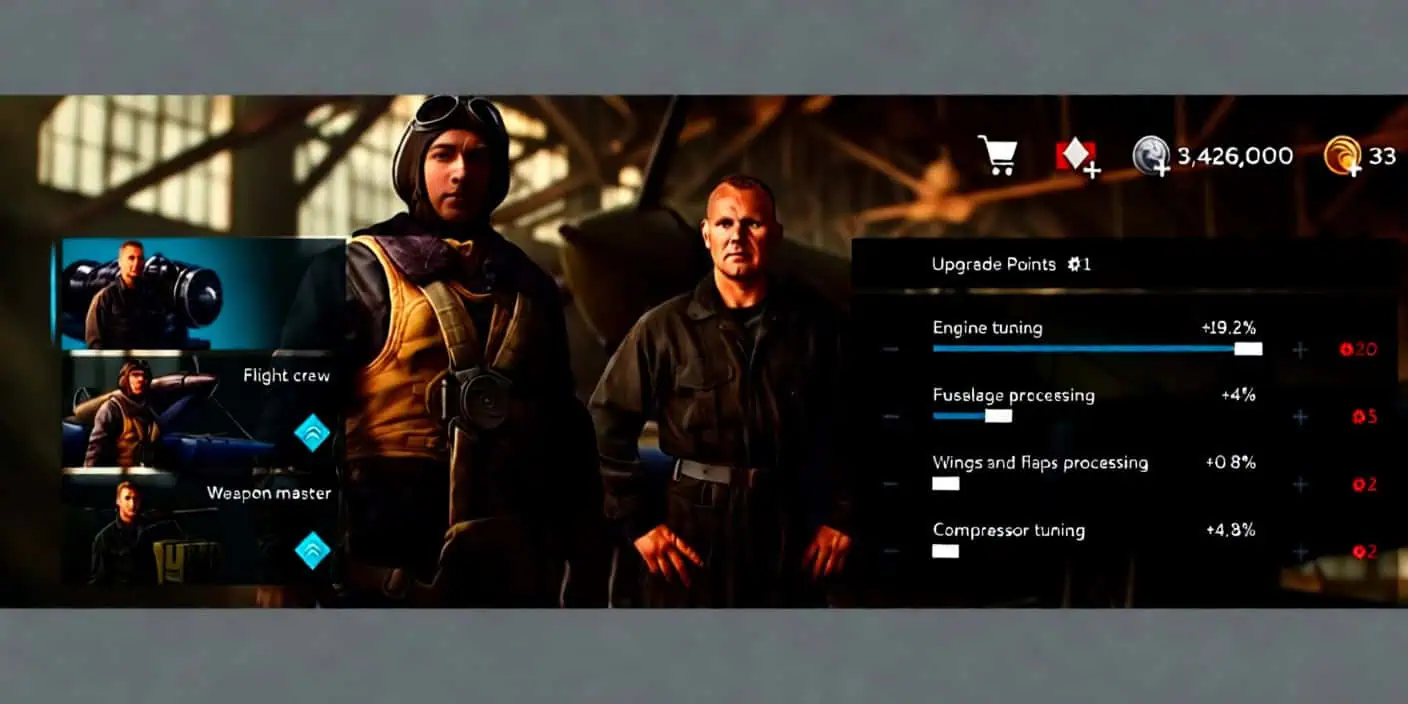
Upgrade Order:
- Parts – You need these to fix your tank in the field. Without them, a broken track means you’re a sitting duck.
- FPE – Puts out fires. Fires kill you in seconds.
- Everything else – Go for mobility if you like to flank, or firepower if you’re a sniper.
Crew Skills: Focus on your Gunner (aiming/accuracy) and Driver (handling) first. They make the biggest difference in a fight.
Expert Qualification: Costs SL and gives a +3 boost to everything. Do this for any tank you plan on keeping.
Combat Tactics
Positioning: This is 90% of the game. Use hills, buildings, and dead tanks for cover. If you’re caught in the open, you’re dead. Always point your thickest armor at the enemy.
Weak Spots: Don’t just shoot the middle of the tank.
- Shermans: Hit the flat sides or the transmission cover on the front.
- T-34s: Aim for the turret “cheeks” or the lower hull.
- Panzers: Avoid the angled front; go for the sides.
The “Peek-Shoot-Move”: Pop out, take your shot, and get back behind cover immediately. If you stay still, the enemy will dial you in.
Flanking: Side armor is thin. Wait for your teammates to distract the enemy, then loop around and hit them where it hurts. Patience is key here.
Ammo Choice: APHE is your best friend in the early-to-mid game because it explodes inside the tank. APCR is great for thick armor at close range but sucks at a distance. HEAT is good for long range but gets stopped by fences or bushes.
Aviation Grinding

Planes actually grind faster than tanks. If you want quick RP, go for Ground Strikes. Forget dogfighting – blowing up AI ground targets wins matches and pays out fat XP.
The F4 Strategy: The American F4 series is a beast for this. It’s fast and carries enough rockets and bombs to wipe out half the ground map. You can easily pull 15k+ RP in a 5-minute match if you play it right.
Final Checklist

- Day 1: Do the tutorials, fix your settings, and start with USA, Germany, or USSR.
- Week 1: Stay in Arcade, learn the maps, and never carry full ammo.
- Long Term: Invest in premium time, use boosters, and don’t gamble your Gold on trophies.
War Thunder Mobile is a marathon, not a sprint. Master the basics, keep your cool, and you’ll be dominating the leaderboard in no time. See you on the battlefield.
